NotiSprite Studio: Desktop Pet Creator
A downloadable tool
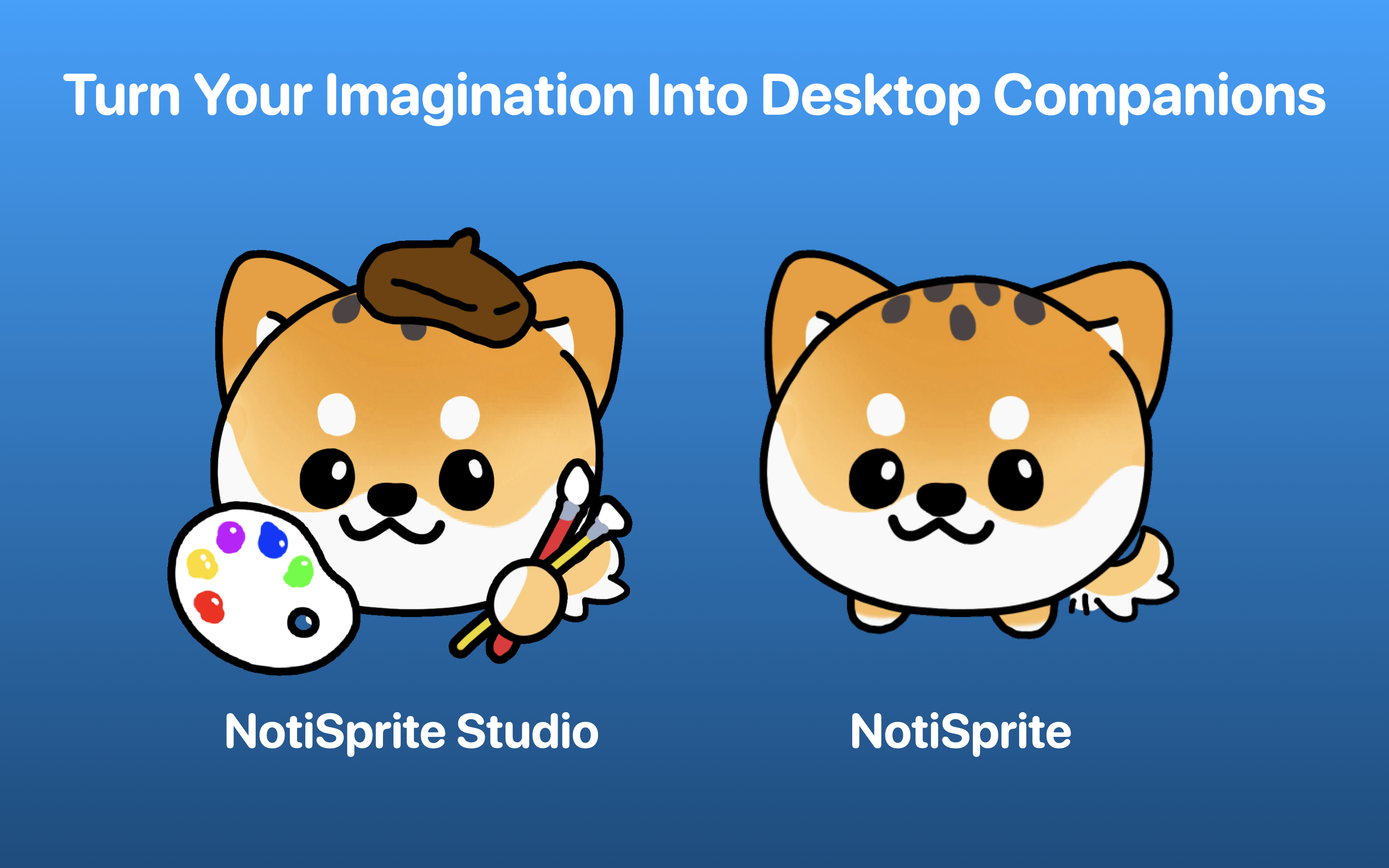
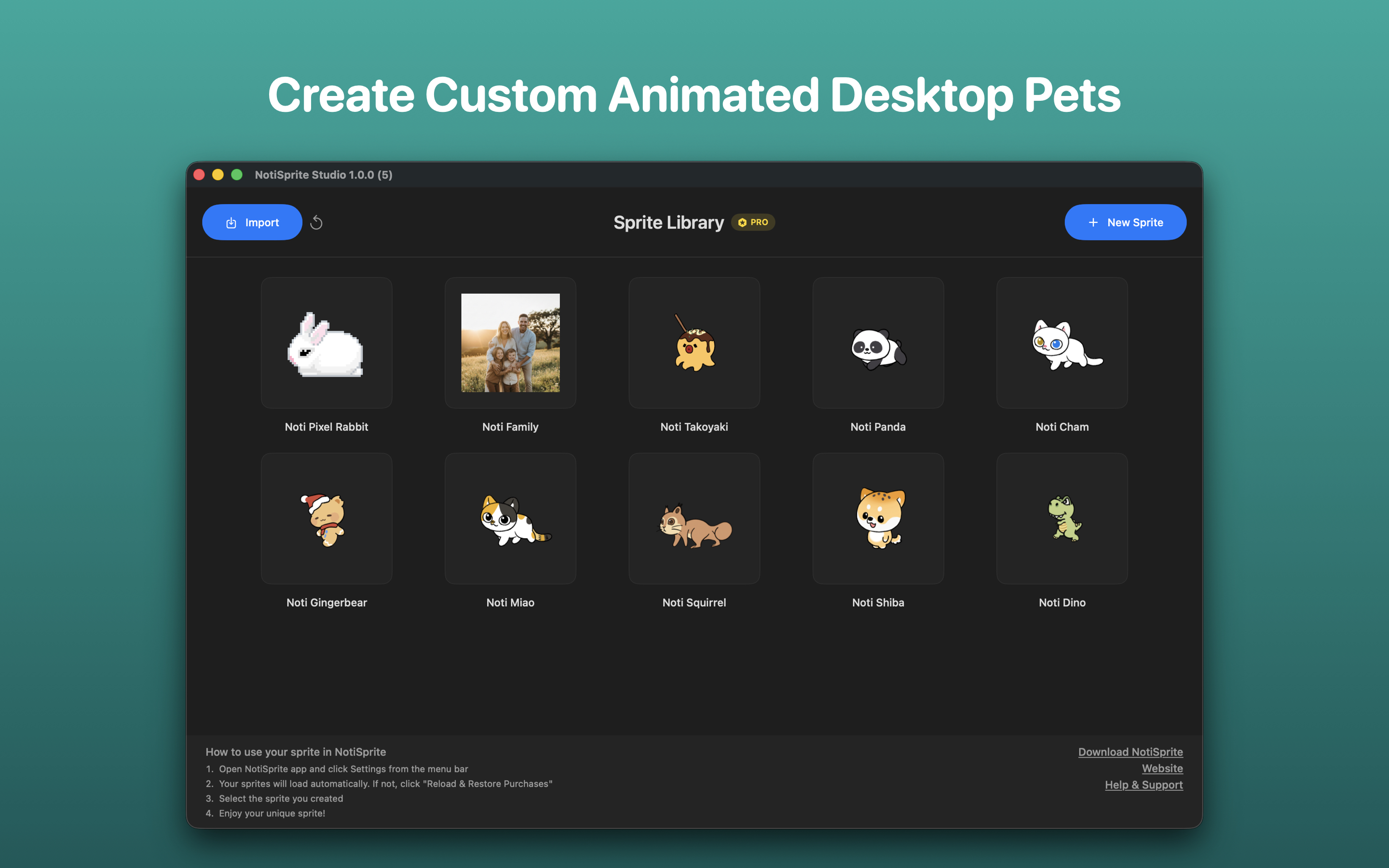
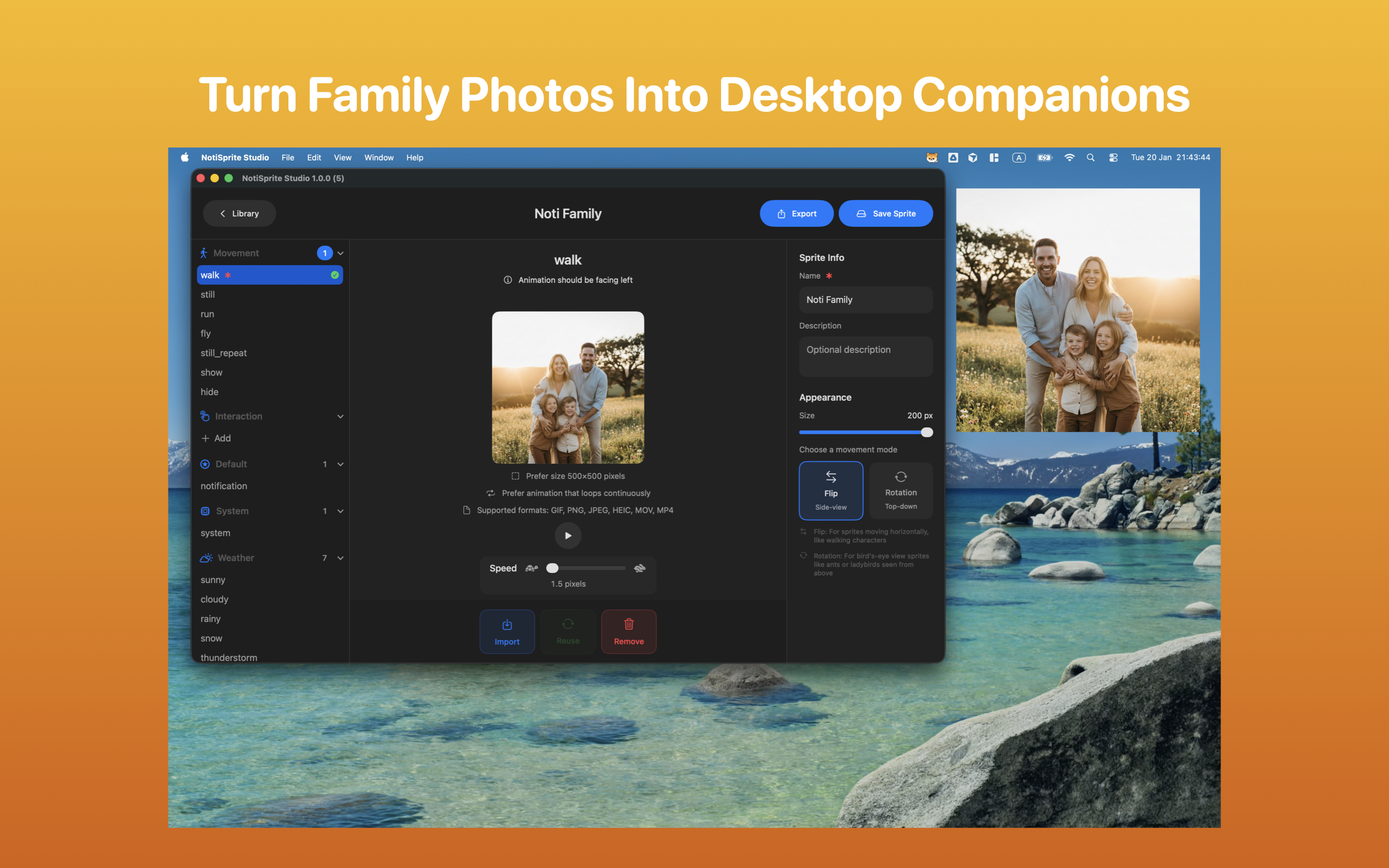
Create your own animated desktop companions with NotiSprite Studio, the official sprite editor for NotiSprite. Design unique sprites using your own artwork, GIFs, or videos, and bring them to life on your Mac desktop.
Anyone can do it. No coding, no design skills, no complicated setup.
NO login, NO data collection, and NO ads. It just works.
NotiSprite Studio respects your privacy: all data stays on your device, with no analytics or tracking.
Amazing Features:
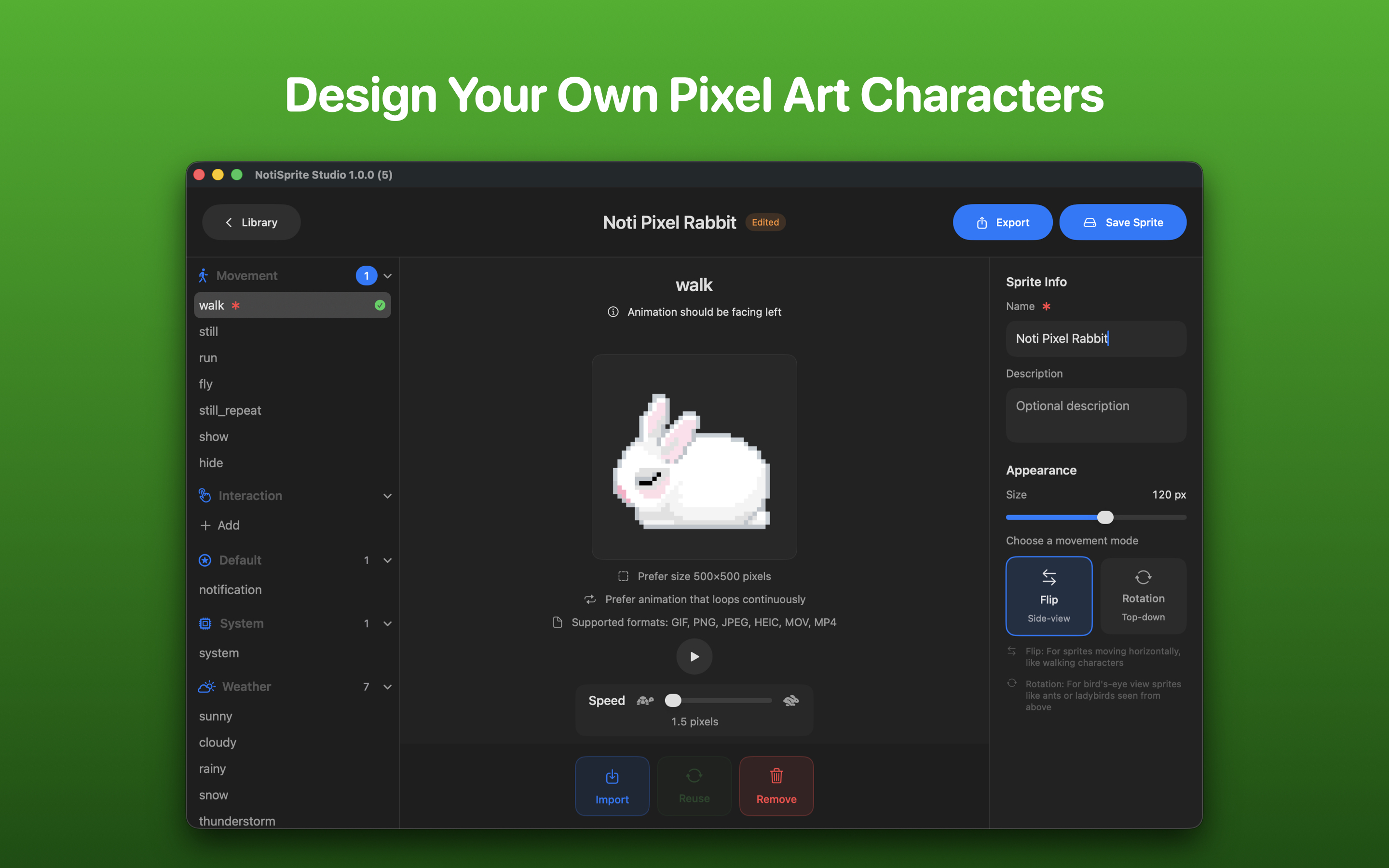
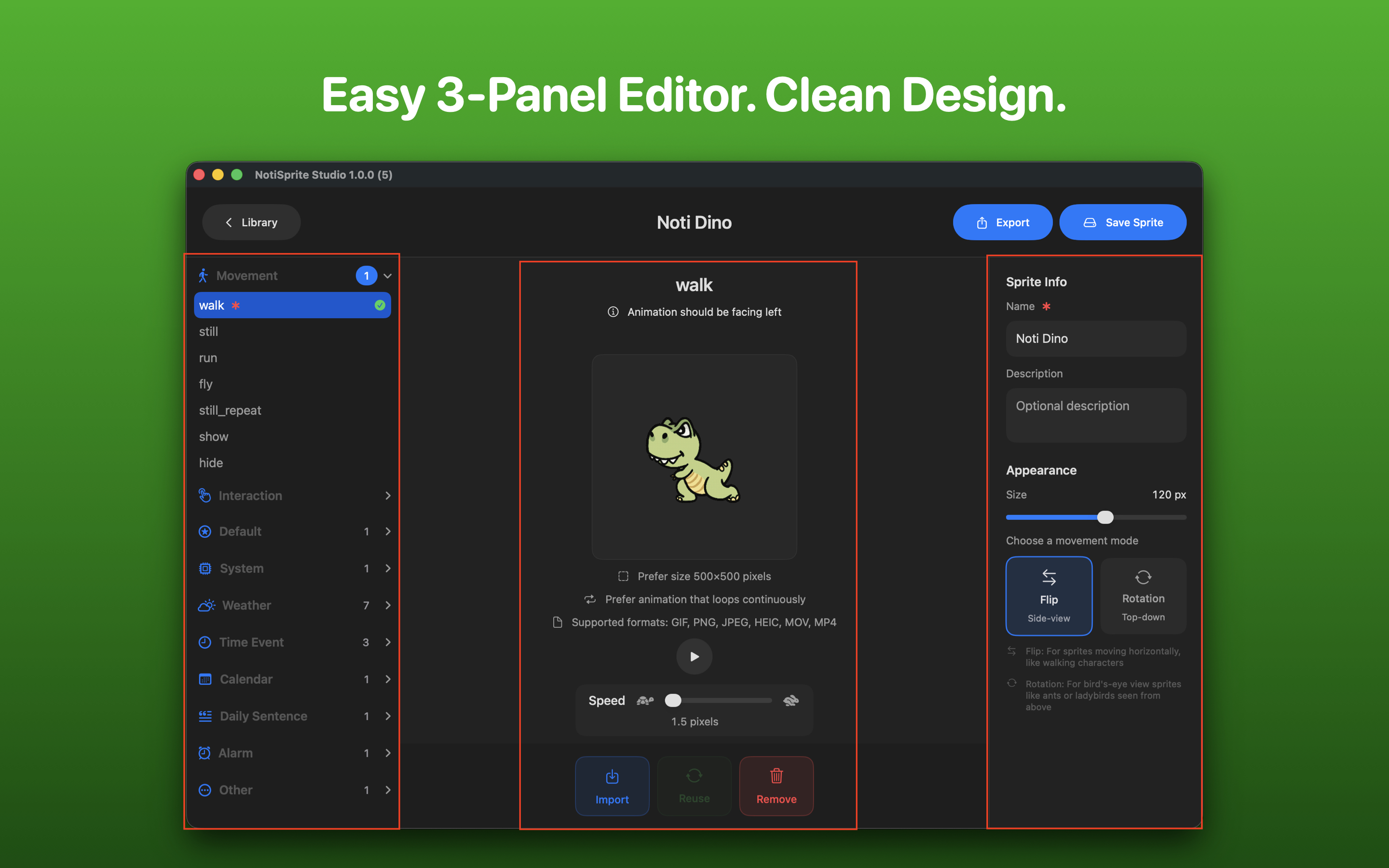
• Easy 3-Panel Editor: A clean, intuitive interface with animation categories on the left, live preview in the middle, and settings on the right.
• Multiple Import Formats: Import GIF, PNG, JPEG, HEIC, or even MOV/MP4 videos that automatically convert to animated sprites.
• Video to Animation: Import the video, and watch it transform into an animated sprite.
• 9 Animation Categories: Movement, Interaction, Weather, System, Calendar, Alarm, Time Events, Daily Quotes, and more.
• Custom Interactions: Create unlimited tap/click reaction animations to make your sprite truly unique.
• Animation Linking: Reuse the same animation across multiple slots to keep your sprite bundle small.
• Live Preview: Test your animations with play/pause controls before saving.
• Speed Control: Fine-tune how fast your sprite walks, runs, or flies across the screen.
• Two Movement Modes: Choose Flip mode for side-view characters or Rotation mode for top-down sprites.
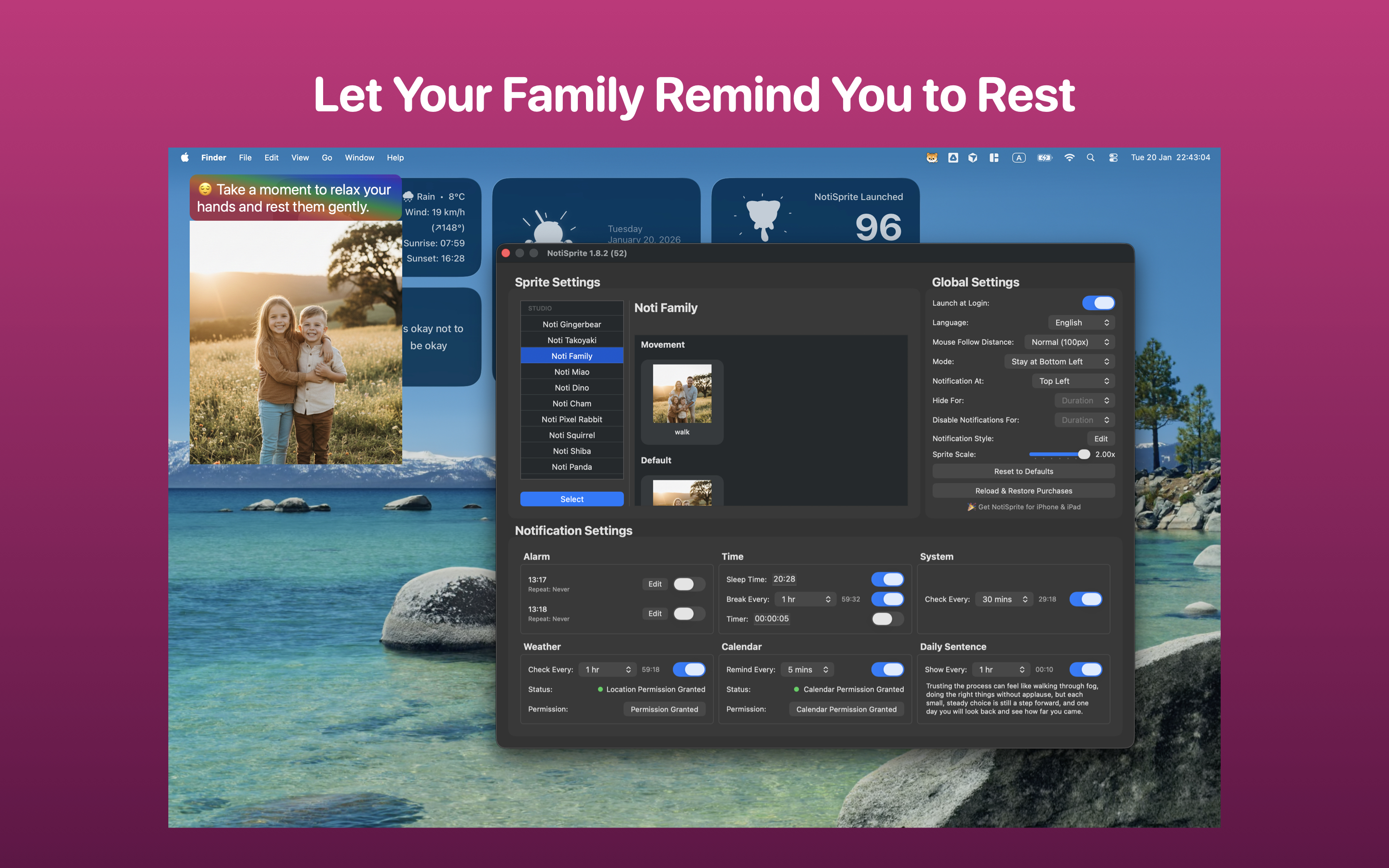
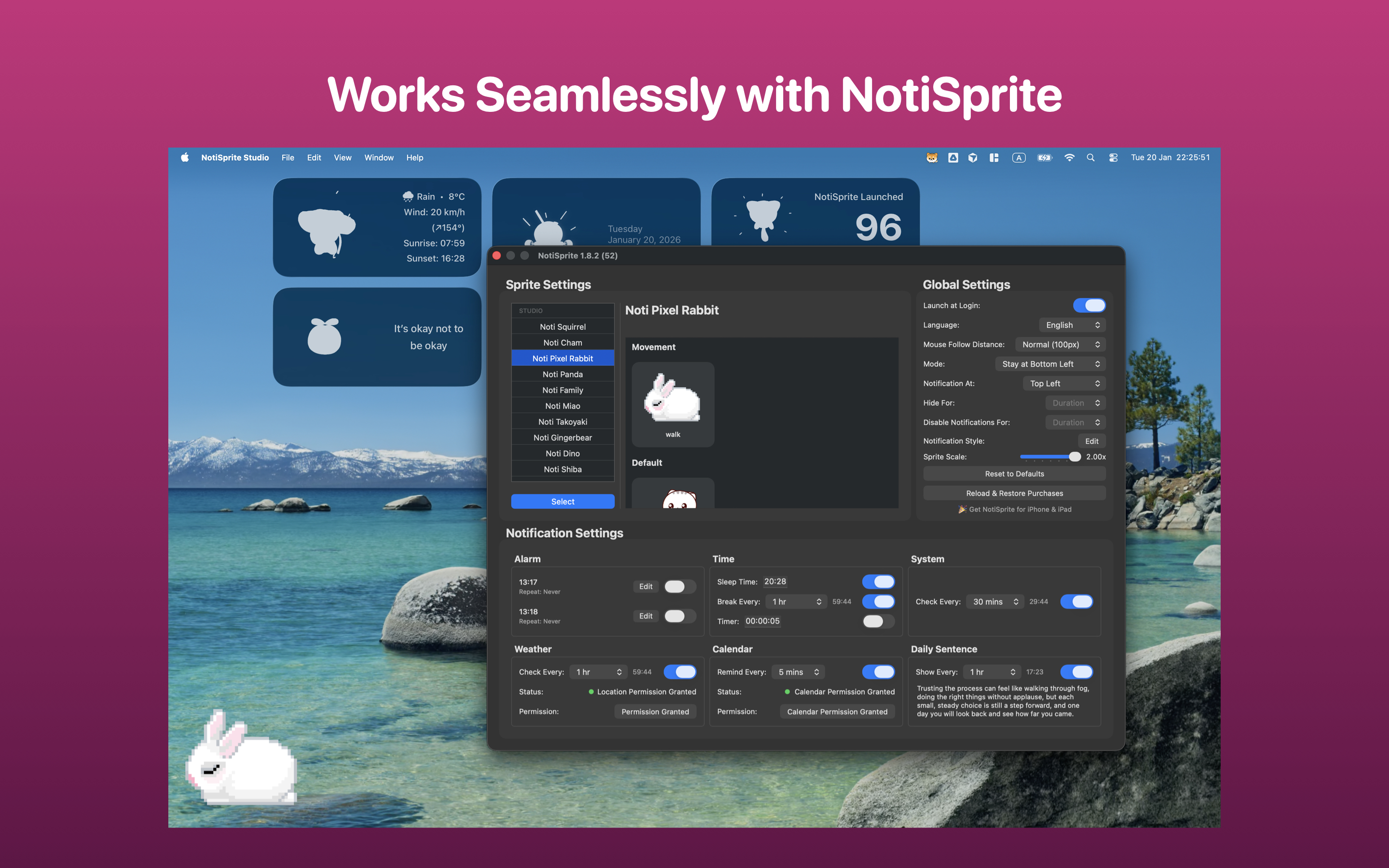
• Seamless Integration: Save your sprite and it instantly appears in NotiSprite, ready to use.
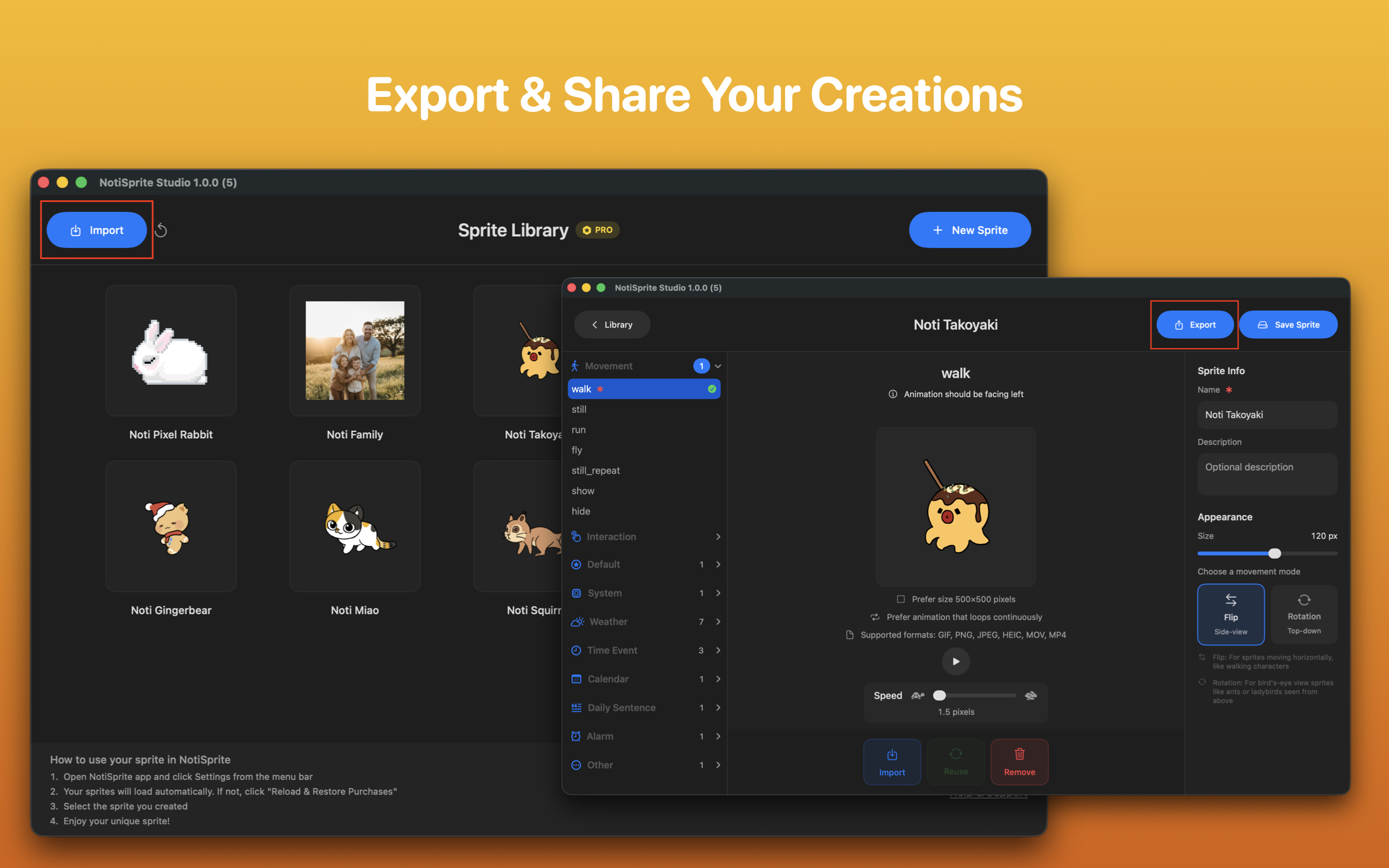
• Export & Share: Pro users can export .notisprite files to share creations with friends and the community.
Animation Categories:
• Movement: Walk, run, fly, idle animations (walk is required)
• Interaction: Custom click reactions (unlimited)
• Weather: Sunny, cloudy, rainy, snow, thunderstorm, fog
• System: System notification reactions
• Calendar: Calendar event animations
• Alarm: Alarm trigger animations
• Time Events: Break time, sleep, timer notifications
• Daily Quotes: Motivation and inspiration animations
• Default: Fallback for undefined notifications
Why NotiSprite Studio:
• Unleash Creativity: Turn any artwork or video into a living desktop companion.
• Personal Touch: Create sprites that match your style, mood, or workspace aesthetic.
• Easy Workflow: Import, preview, adjust, save. It's that simple.
• No Art Skills Needed: Use existing GIFs, record videos, or import downloaded animations.
• Growing Community: Share your creations and discover sprites made by others.
• Apple-Style UI: Clean design that feels right at home on macOS.
Free vs Pro:
Free:
• 1 sprite slot
• All animation categories
• Video conversion
• Animation linking
Pro (one-time purchase):
• Unlimited sprite slots
• Export .notisprite files to share
• Support continued development
Requirements:
• macOS 14.0 or later
• NotiSprite app (free on the App Store) to use created sprites
Website: https://notisprite.com/
Available on

Leave a comment
Log in with itch.io to leave a comment.